Upload a DOCX. Get a typed document API. 30 seconds.
Self-hosted DOCX/XLSX/PDF rendering from your templates — deploy on your own VPS, $20 once.
Stop hand-rolling document generation
How it works
1. Upload your template
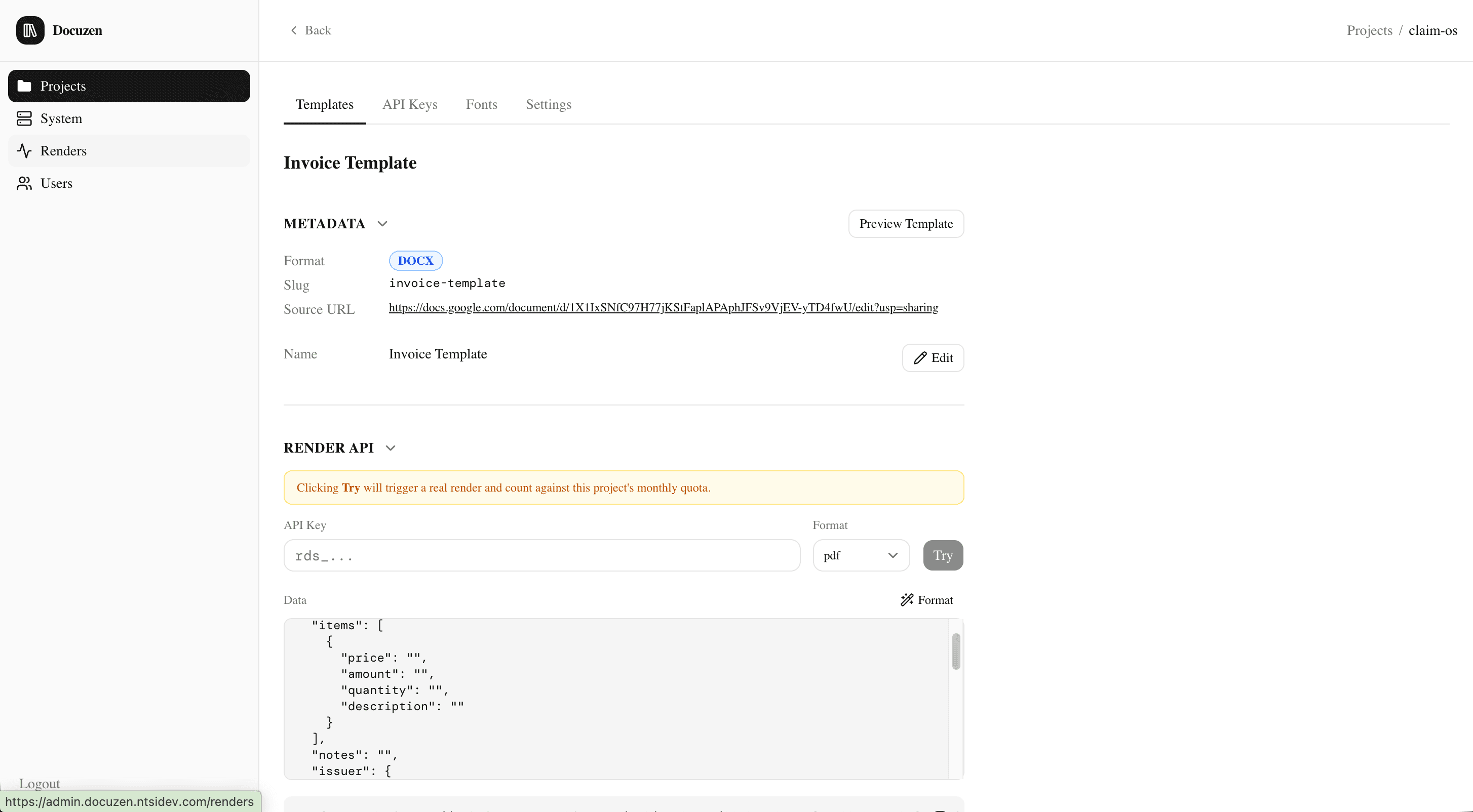
Drop a DOCX or XLSX with {{variable}} placeholders into the Admin UI. Docuzen extracts a Schema — the list of variables and required fonts — automatically.
2. Call the Render API
Send your data to the project's render endpoint with your API key. Pick the output format: docx, xlsx, or pdf.
curl -X POST https://your-domain.com/api/projects/{projectId}/renders \
  -H "X-Api-Key: <your-api-key>" \
  -H "Content-Type: application/json" \
  -d '{
    "templateId": "invoice-template",
    "outputFormat": "pdf",
    "data": { "customerName": "Acme Co.", "total": 1200 }
  }'
3. Get your Document
Docuzen fills the template, converts it if needed, and streams the finished document straight back in the response — ready to download or send to your customer.
Everything you need to ship
Built for document-heavy workflows
Invoices
Generate branded invoices from order data — fill line items, totals, and customer details automatically.
Contracts
Produce signed-ready contracts from a master template — swap in party names, terms, and dates per deal.
Reports
Turn structured data into polished DOCX or PDF reports on a schedule, without touching a spreadsheet.
Certificates
Issue certificates of completion or attendance in bulk, each with the recipient's name and details.
Built on tools you already trust
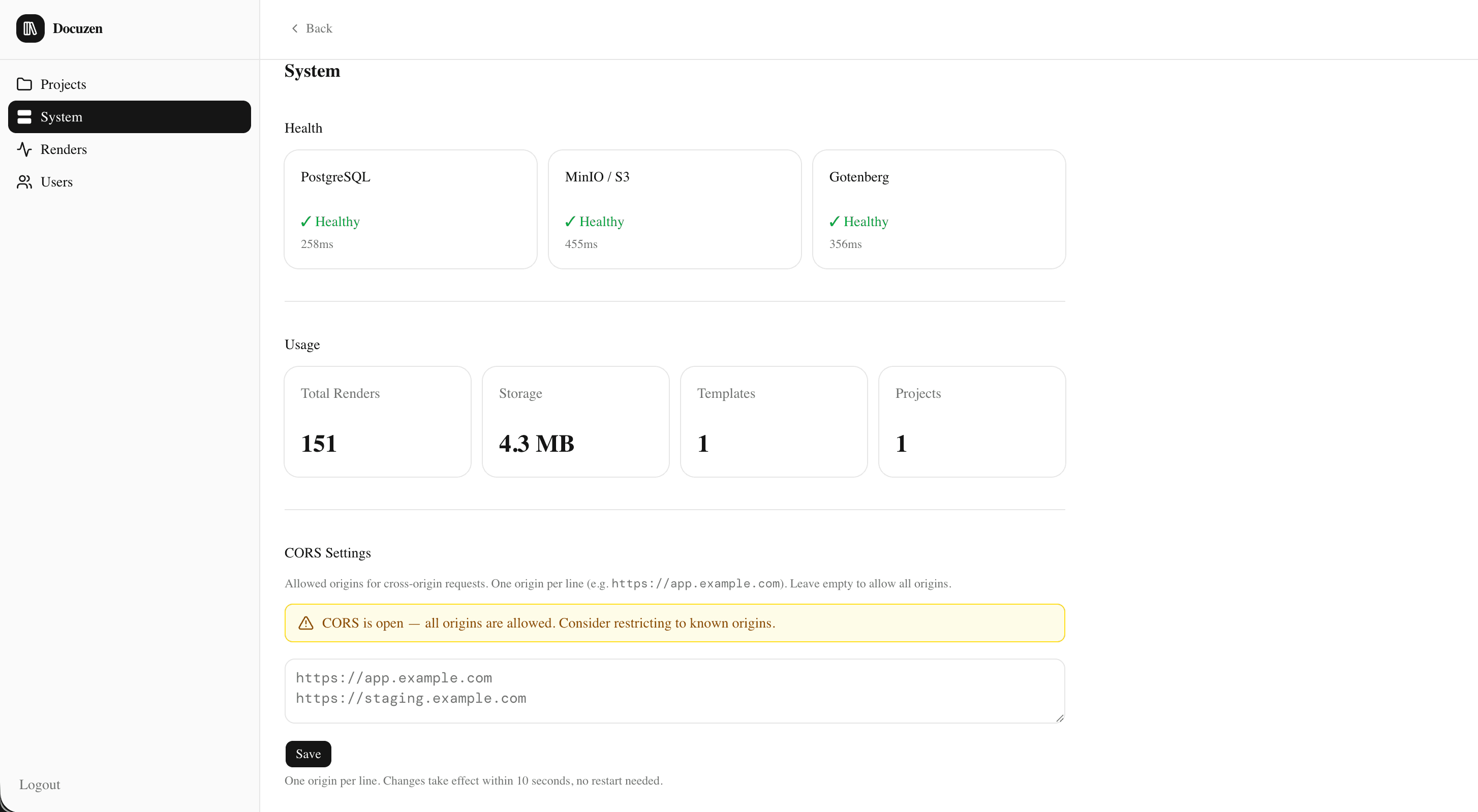
No black box — Docuzen runs on a straightforward, well-documented open-source stack you can read, extend, and maintain yourself.
Frequently asked questions
- What does the license cover?
- A commercial license to deploy Docuzen on one organization. Redistribution of the source code is not permitted.
- How do I get support?
- Open an issue on the docuzen-support repo — that's where bug reports and questions are tracked.
- Can I get a refund?
- Refunds are handled through Gumroad's standard refund policy — see your purchase receipt for details.
- Do I get the source code?
- Yes — purchasing on Gumroad gives you a zip with the full source code, which you deploy and operate yourself.